
Playload
The Incident
The SOC alert arrived at 03:14. No deployments were scheduled. No changes were logged. The ML inference server had been making outbound HTTPS connections to an unrecognised address, and they were blocked only when the automated detection rule triggered.
You have been called in. The incident materials are waiting at /opt/supply-chain/incident/. Every tool you need is already installed.
Click Start Machine below to launch your investigation workstation.
If you prefer to connect to the target machine from your own THM VPN-connected machine, you can use the credentials below via SSH:
Credentials
Only needed if you are using your own machine.
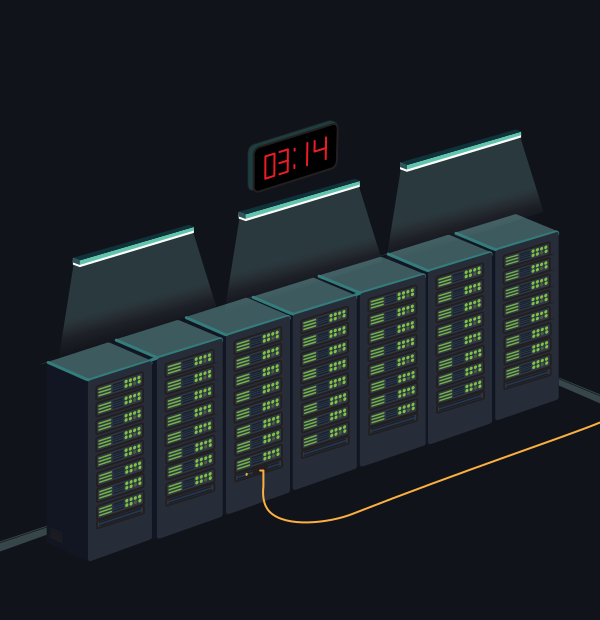
03:14. The indicators are green. The room is empty. Three weeks ago, something else started running.
The incident directory contains four things: deployment and network logs in logs/, the production model currently running in models/, a candidate replacement the engineering team staged but has not yet deployed, and a clean baseline for comparison.
Start with the logs to establish the timeline. Then, examine the production model, and finally assess the candidate replacement before the engineering team deploys it.
Note: All tools from the previous rooms are available:
pickletools,fickling,modelscan,sha256sum,inspect_h5_model.py.
?Answer the questions below
- Read the deployment log at /opt/supply-chain/incident/logs/deployment.log . The replacement model came from a different organisation than the original. What is the name of that organisation?
- How many days passed between the replacement model being deployed and the SOC alert firing?
- Decompile the production model. What Python function does the payload use to execute the shell command?
- What shell command does the payload use to capture the host's identity?
- The beacon capture log shows the HTTP method used in the outbound request. What is it?
- The engineering team staged candidate_model.h5 as a replacement but have not yet deployed it. Run inspect_h5_model.py against it. What is the name of the suspicious layer it contains?
- The attacker split the campaign ID across two artefacts to avoid full exposure in any single capture. Examine beacon_capture.log and the candidate model to recover the complete flag.
 Securing the AI Supply Chain
 checkpoint